Getting started
Archery Things adds a quiver: a bag for your arrows that lets you pick which arrow you shoot, and that you can wear on your back or on your armor.
Install
- Install Fabric with Fabric API, or NeoForge, for Minecraft 26.3.
- Download Archery Things and put the jar in your
modsfolder.
| Platform | Link |
|---|---|
| CurseForge | Download from CurseForge |
| Modrinth | Download from Modrinth |
- Optional: add Curios (NeoForge) or Trinkets (Fabric and NeoForge) for a dedicated quiver slot. See Curios & Trinkets.
The mod is needed on both the client and the server.
Supported versions
| Minecraft | Loaders |
|---|---|
| 26.3 | NeoForge, Fabric |
| 26.2 | NeoForge, Fabric |
| 26.1 | NeoForge, Fabric |
| 1.21.11 | NeoForge, Fabric |
| 1.21.10 | NeoForge, Fabric |
Your first quiver
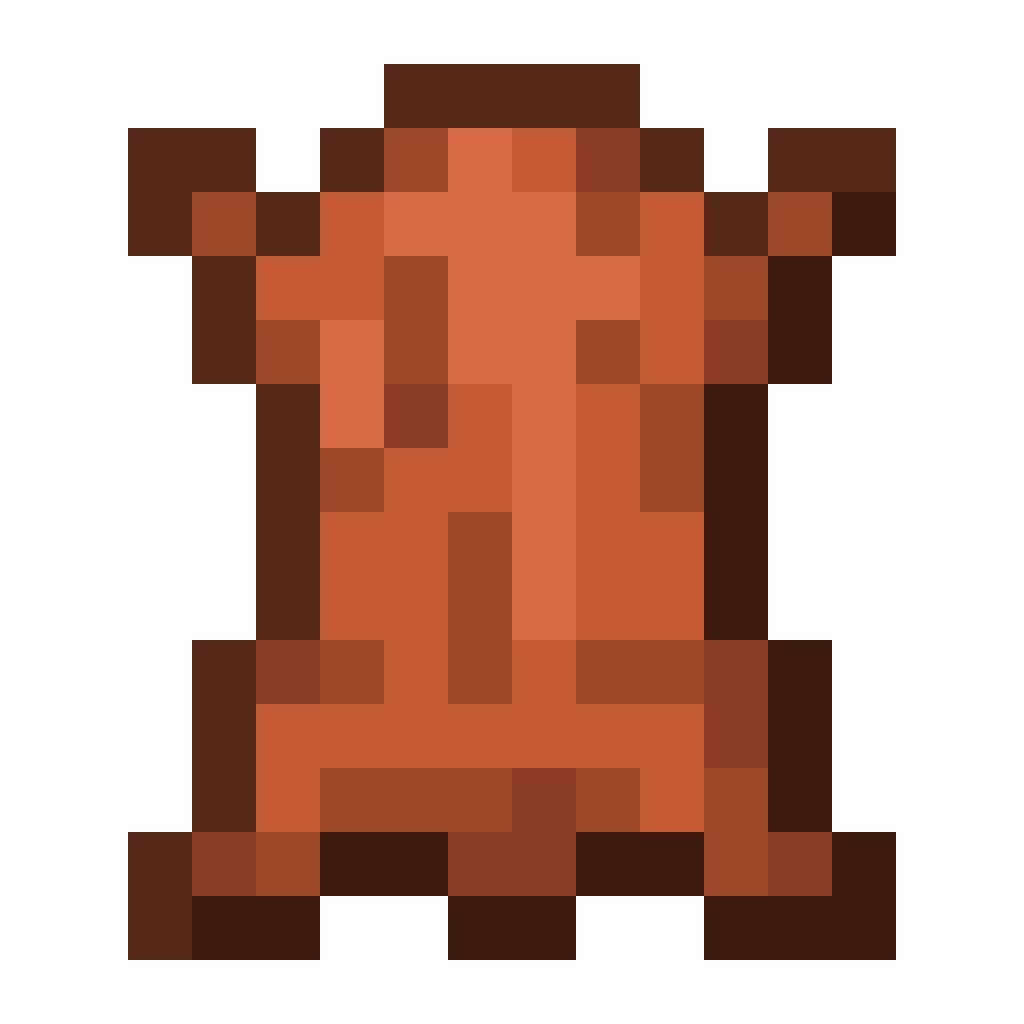
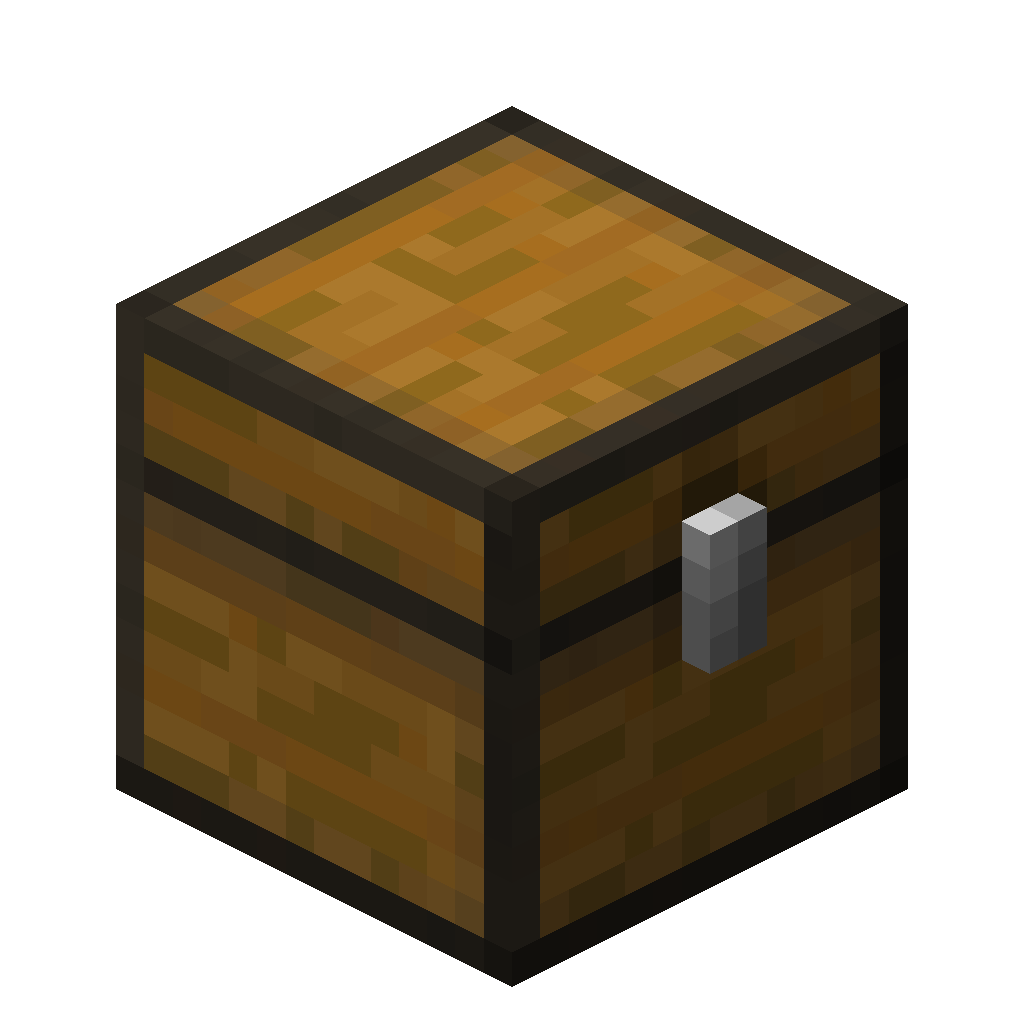
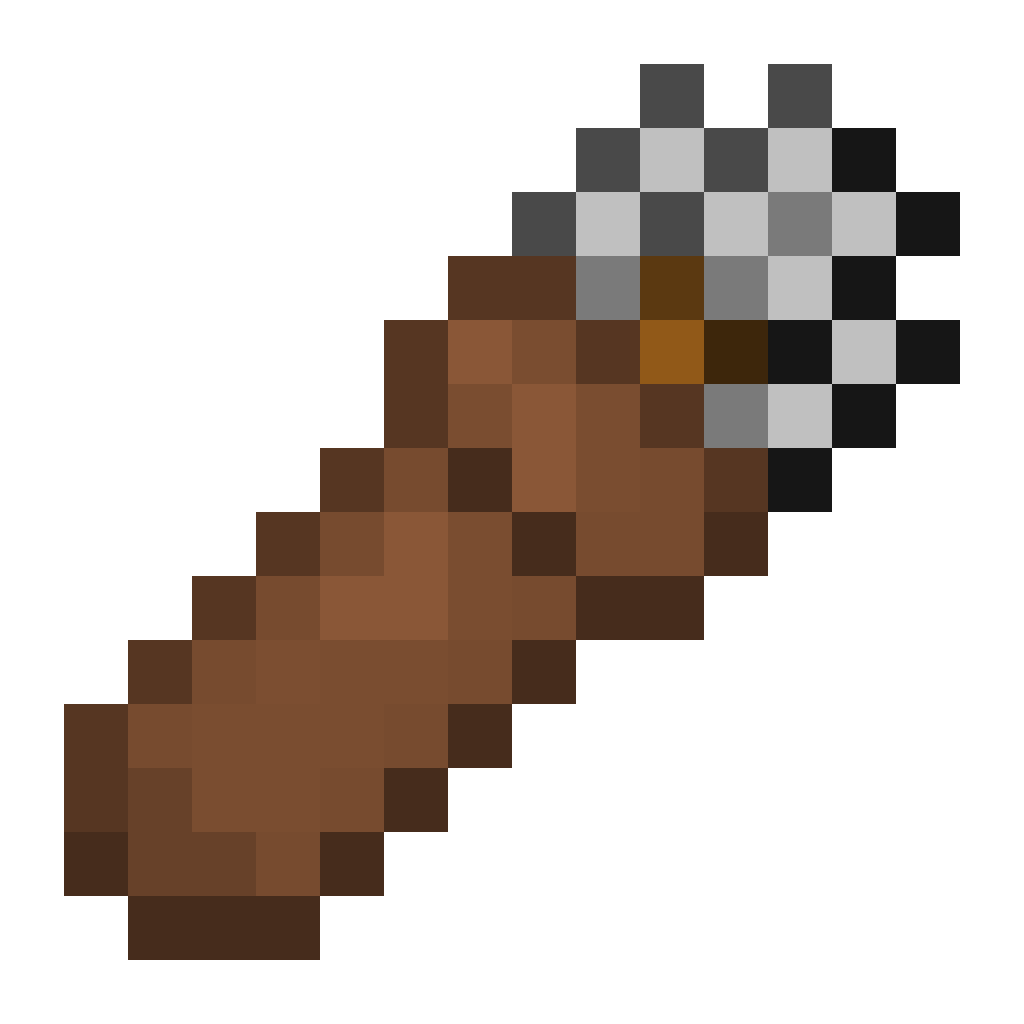
1. Craft a quiver from seven leather and a chest.
 Quiver
2. Fill it. Right-click with the quiver in your hand to open it, and put your arrows in the top row.
Quiver
3. Pick an arrow. Press 1–9 or scroll while the menu is open. The selected slot has an orange outline. Try it on the menu above.
4. Wear it. Sneak and right-click, or put it in your chest slot. Now you can open it any time with R, and your bow fires whatever is in the selected slot.
Where to go next
- The quiver: what it holds, how shooting works, and dyeing
- Quiver menu: every way to open it, selecting slots, and arrow pickup
- Binding to armor: keep your chestplate on and still use a quiver